
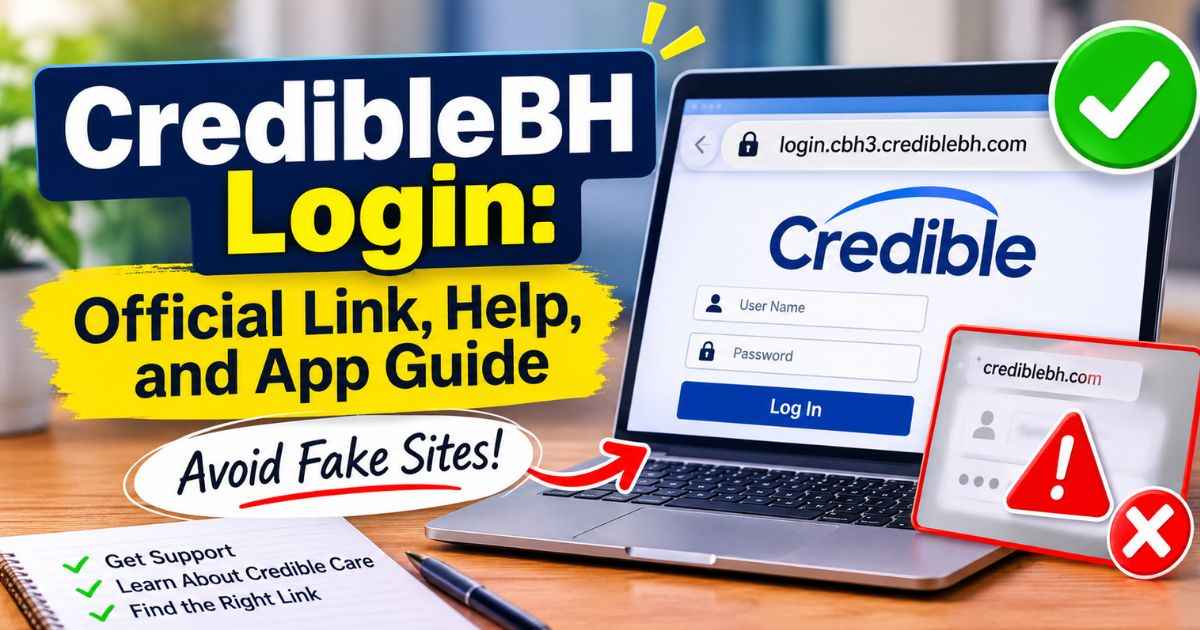
Looking for the CredibleBH login? Start with the official Qualifacts login page and follow its Credible Login option. It takes you to the CredibleBH sign-in page. Be careful, as several other websites use the CredibleBH name, and two of them state that they are not affiliated with CredibleBH.
This guide shows how to reach the right page, where to get help, and what the Credible Care app does. It also shares what real users say, with dates and sample sizes.
Where to Find the Official CredibleBH Login
Qualifacts is the company behind Credible. Its Platform Logins page is a list of login links for its products. The Credible Login on that page leads to login.cbh3.crediblebh.com.
Use that page when you can. Links on other sites may be old or wrong. One employee guide on www-crediblebh.com tells readers to go to login.crediblebh.com. That address does not match the Qualifacts link.
The login screen shows User Name, Password, Domain, and Forgot Password? You will need all three details to sign in.
Watch Out for Unofficial CredibleBH Guides
Some sites that use the CredibleBH name say they are not connected to it. Both crediblebh.me and credible-bh.com say this on their pages.
A security report from Gridinsoft, dated September 5, 2026, flagged crediblebh.me as phishing. Phishing means a fake site that tries to steal login details. Gridinsoft also says its automated checks can be wrong. Still, this is a good reason to skip that site. Do not type work login details into it.
What Is CredibleBH?
Qualifacts describes Credible as a cloud-based EHR. An EHR is a system that keeps client health records in one place. Credible is built for larger behavioral-health groups. Qualifacts names community mental health centers, substance-use-disorder services, residential care, and integrated primary care.
Qualifacts says Credible helps with:
- Clinical notes, care teamwork, and client engagement
- Billing, revenue cycle work, and reports
- Mobile access that works offline
- Medication management and ePrescribing
- Forms, alerts, and workflows that groups can set up their own way
- Links to health information exchanges and labs
Qualifacts also says Credible has 35,000+ form templates and 60+ alerts you can set up. These are the company’s own numbers. We did not measure them.
Qualifacts also says Credible has tools for census reports and bed management in inpatient and residential care.
What You Need Before Signing In to CredibleBH
The Qualifacts page is a login directory. It is not a public sign-up page. Credible is sold to provider groups, so access comes through your organization.
Before you sign in, have these ready:
- The login link your organization gave you
- Your user name, password, and domain from your organization
- The right type of access (employee, SSO, reports, or client portal)
Some unofficial sites say you can make your own account. Those sites say they are not tied to CredibleBH. The official pages we checked do not show public sign-up. If you need an account, ask your organization.
CredibleBH Login Problems and How to Get Help
Qualifacts says Credible customers can use the Qualifacts Care Center. On its support page, you can send a support ticket or use live chat. Qualifacts also lists user guides, live training, and training videos.
Here are common problems and what to try:
| Problem | What to try |
|---|---|
| Page will not open | Use the link from the Qualifacts Platform Logins page. Then ask your organization or the Care Center. |
| Login is not accepted | Ask your organization to confirm your access. Then send a ticket to the Care Center. |
| Page is slow or stops | Check your internet. One third-party guide suggests clearing browser data or trying another network. |
| Work did not save | Tell your organization and the Care Center. A G2 reviewer reported lost work. |
Do not turn off security tools to get in. One third-party guide suggests turning off a firewall or using a VPN. That is not routine advice for systems that hold client records.
Forgotten Password or Locked Account
The login screen has a Forgot Password? option. We did not confirm the exact steps to reset a password. They may depend on your organization’s settings. Some third-party guides list reset steps, but we could not match them to official sources.
The best move is to contact your organization first. If that does not work, use the Qualifacts Care Center.
CredibleBH Not Loading or Responding
Reviewers on G2 and Capterra describe crashes and slow response. One Capterra reviewer said the system can “go down a lot.”
We did not check an official status page. One third-party article says outages last 30 minutes to two hours. We found no official statement that matches, so we do not use that number.
Credible SSO, Reports, and Client Portal Access
Search results show more than one login page. They include an SSO sign-in page, a CQM Reports login, and a client portal login. SSO means single sign-on. It lets one login open more than one tool.
We did not check these pages. So we cannot say who each one is for. Use only the link your organization gives you for each one.
Credible Care App: Features and Offline Access
Credible Care is the companion mobile app for Credible. The older Credible Care listing on Google Play names Qualifacts Systems, LLC as the developer. The listing says the app lets staff:
- Keep client records, including allergies, medications, and diagnoses
- See and update client and staff schedules
- Finish clinical visits with interactive forms
- Review treatment plans
- Send employee messages and update To Do lists
- Add and edit visits offline, then sync when back online
The EHR is the main system. The app is a companion for work on the go.
Two Credible Care Listings
There are now two listings. The newer one is named Qualifacts Credible Care, on both Google Play and the Apple App Store. The Google Play listing describes secure SSO, dashboards, scheduling, service documentation, and offline synchronization.
We found no official notice that the newer app replaces the older one. Ask your organization which app to use.
What the Older Listings Show
The ratings below belong to the older Credible Care listings only. The reviews tell a mixed story.
On the older Google Play listing, Credible Care has 3.4 out of 5 from 5 reviews. One reviewer in February 2026 said the app did not move past authentication on a phone. Another said it stayed on Step 1, “Authenticating.”
On the older Apple App Store listing, the app has 1.0 out of 5 from 7 ratings. Those complaints are older. They include “isn’t fully functional” and “a sometimes solution.” Some date from 2017 and 2021. Do not treat them as the app’s current features.
For the newer Apple listing, Apple says it has not received enough ratings to show a review overview.
What Real Users Say About Credible EHR and Credible Care
These scores come from different products, sites, and years. Do not add them into one score. The two app rows are for the older Credible Care listings.
| Source | Rating and sample | What people say |
|---|---|---|
| G2 (Credible EHR) | 3.5/5 from 34 reviews | One reviewer called it “An okay EMR but not the best I’ve used.” Others mention long code lists, crashes, and lost work. |
| Capterra (Credible EHR) | 3.9/5 from 73 reviews | Praise for customizing, reports, and support. Complaints about downtime, bugs after updates, and hard-to-reach help. |
| Trustpilot | 3.2/5 from 1 review | A September 2019 review called it “Very frustrating, and unreliable.” This is one old review. |
| Google Play (older Credible Care listing) | 3.4/5 from 5 reviews | Authentication problems in a February 2026 review and one other. |
| Apple App Store (older Credible Care listing) | 1.0/5 from 7 ratings | Older complaints about missing features. |
What users like: G2 reviewers say Credible keeps client details and the work of several care workers together. One praised easy navigation, referrals, and note creation. Capterra reviewers like the custom forms, reports, and workflows.
What users dislike:
- Crashes, slow response, and lost work
- Extra clicks and long lists of codes
- Hard-to-reach support
- App sign-in trouble
Bottom line: Reviews show a tool that several teams find useful for records and set-up. They also show repeated complaints about reliability, steps, and support. These reviews come from different years and small samples, so read them with care.
Current Checks
These facts can change fast. They were checked on November 11, 2026.
| Item | What we found | How often to recheck |
|---|---|---|
| Official login link | Qualifacts Platform Logins page links Credible Login to login.cbh3.crediblebh.com | Monthly |
| Login screen fields | The login screen shows User Name, Password, Domain, and Forgot Password? | Monthly |
| Support route | Qualifacts Care Center: support tickets and live chat | Every 3 to 6 months |
| Older Credible Care listing | Google Play listing updated January 27, 2026 | Monthly or quarterly |
| Newer Qualifacts Credible Care listing | Separate listings on Google Play and the Apple App Store. Apple says there are not enough ratings for a review overview. | Monthly or quarterly |
| Review scores | G2 3.5/5 from 34 reviews. Capterra 3.9/5 from 73 reviews. | Quarterly |
| Price | We did not find an official public price. Ask Qualifacts for a quote. | Before any price is shared |
CredibleBH Login FAQs
What is the official CredibleBH login page?
Qualifacts’ Platform Logins page links its Credible Login to login.cbh3.crediblebh.com. Use that link instead of addresses from other guides. Pages that use the CredibleBH name may not be official.
How do employees access CredibleBH?
Access comes through your organization. Ask them for the right link and your login details. The login screen shows User Name, Password, Domain, and Forgot Password?
Can I create a CredibleBH account myself?
Two unofficial sites say you can. Both say they are not tied to CredibleBH. The official pages we checked do not show public sign-up. Ask your organization for access.
How do I get help if I cannot sign in?
Start with your organization. You can also use the Qualifacts Care Center. Qualifacts says Credible customers can send a support ticket or use live chat there.
What is the difference between Credible EHR and Credible Care?
Credible EHR is the main system for records, billing, and reports. Credible Care is the companion mobile app. It covers schedules, client records, visit forms, treatment plans, and messages. There is also a newer listing named Qualifacts Credible Care.
Why does Credible Care stay on the authentication screen?
Reviewers on the older Google Play listing describe this problem. One February 2026 reviewer said the app did not move past authentication. The reviews give no cause or fix. Ask your organization or the Qualifacts Care Center.
Can Credible Care work without an internet connection?
The older Google Play listing says you can add and edit visits offline. The app then syncs when you are back online. The newer Qualifacts Credible Care listing also describes offline synchronization. Your organization’s set-up may change how this works.
Is CredibleBH down right now?
We did not check an official live status page, so we cannot say. If the page will not load, try the official link. Then ask your organization or send a ticket to the Care Center.
You May Find These Interesting:
What Is a Proxy Server? How It Works, Uses, and Risks
What Is a CDN and How Does It Work?